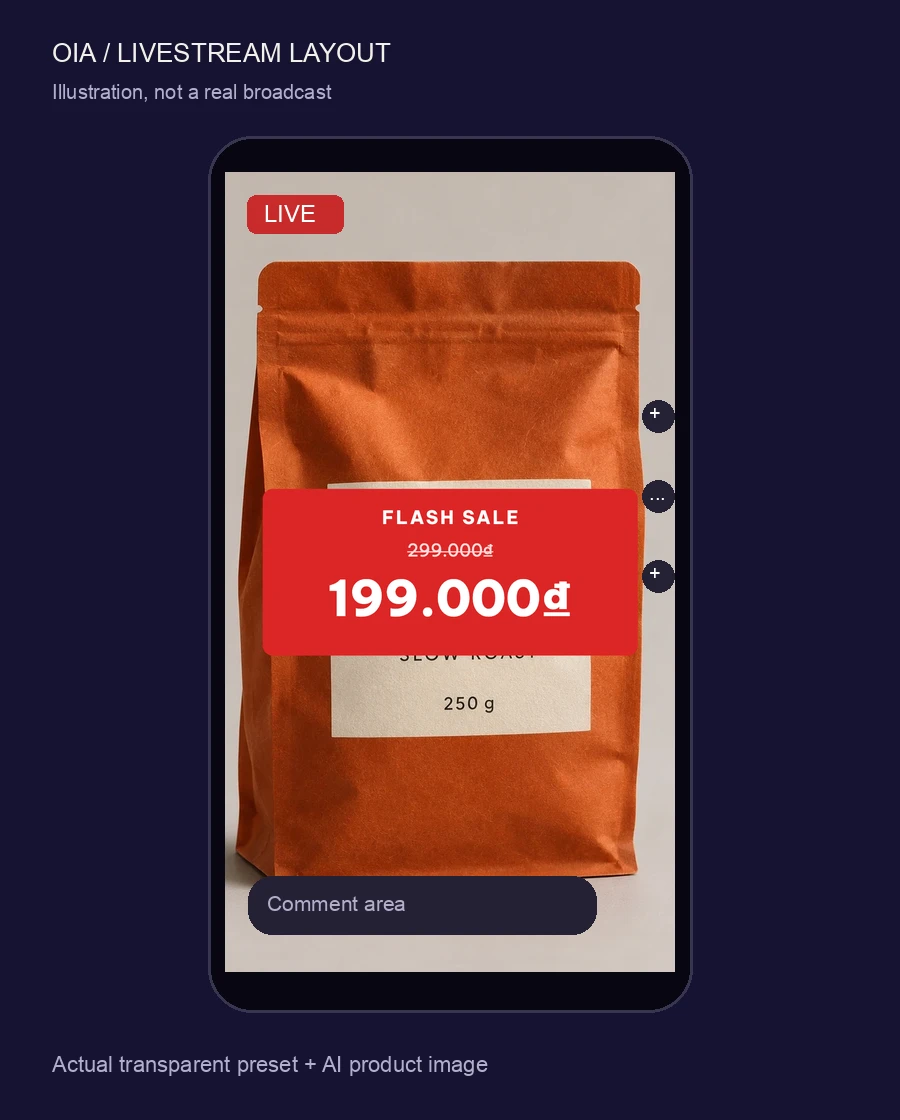
 illustration · real overlay preset over an AI product image
The overlay loop
01: PICK
Overlay preset
Price, freeship or countdown, 1080×1920 transparent.
02: GUIDE
Safe zones on
Keep your card out of the hatched bands.
03: REPRICE
One prompt, same style
Price drop mid-stream: ask, preview, apply.
04: EXPORT
Transparent PNG
Guides never reach the exported bytes.
Why it works
community-measured zones, not an official spectemplate prices are native text: edit freewrong ratio refused, honestlylive covers 500×500 · 1080×1920countdown frames are static
What size is a TikTok livestream overlay?
1080×1920 (9:16). Oia ships the preset with a transparent background and community-measured safe-zone guides so your card never hides behind TikTok's buttons and comments.
Do the overlays export with transparency?
Yes, PNG with alpha at 1080×1920, straight into OBS. The guides stay in the editor and never reach the exported bytes.